In this article I will attempt to demonstrate the artistic and experimental side of prompt creation. The technical stuff still matters, but let’s focus more on the ideas for a moment. For reference, all of the images here were created using these prompts with version 5.2 (--v 5.2).
Setup
The “technique” is called random string. Simply choose random words/phrases from predefined categories (yes you can have ChatGPT do this for you).
Here is an example pattern:
- 2 words/phrases referencing an artistic style
- 1 word that is an intangible concept
- 1 verb
- 1 noun
Here is the random string I came up with: landscape, magical realism, transform, jaguar, sky
Experimentation
This string now becomes your “style.”
Now to choose a subject. I think I’ll choose “surreal dreamscape.” At this juncture you can put everything together in one long string. But I find you have more control if you separate the subject and the style with prompt weights.
The prompt now looks something like this:
/Imagine prompt: surreal dreamscape:: landscape magical realism transform jaguar sky::
I think I’ll add emphasis to the subject part of the prompt by increasing the weight.
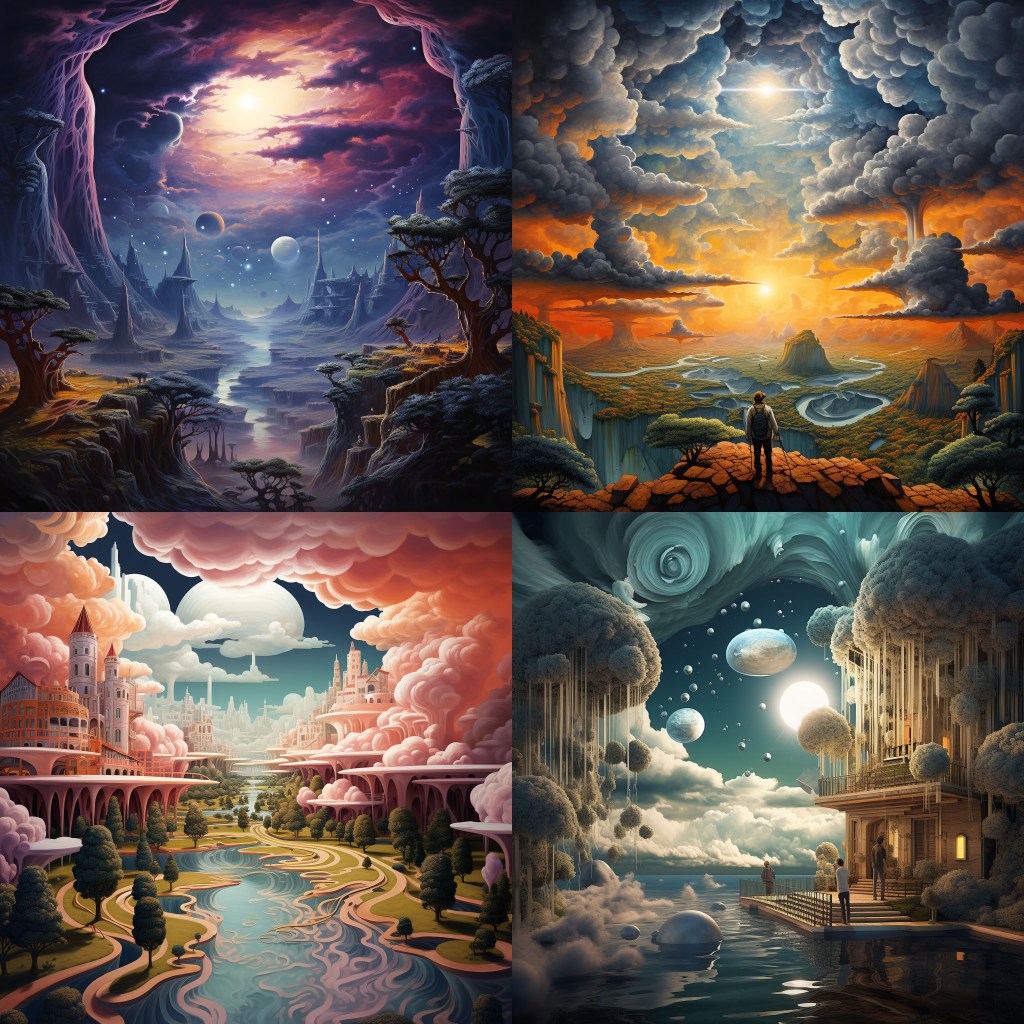
/Imagine prompt: surreal dreamscape::3 landscape magical realism transform jaguar sky::2
Here’s the outcome.
Not bad, but I think specifying a medium would help even more. The more specific we are the better the result will be (usually). Let’s experiment.
3d render
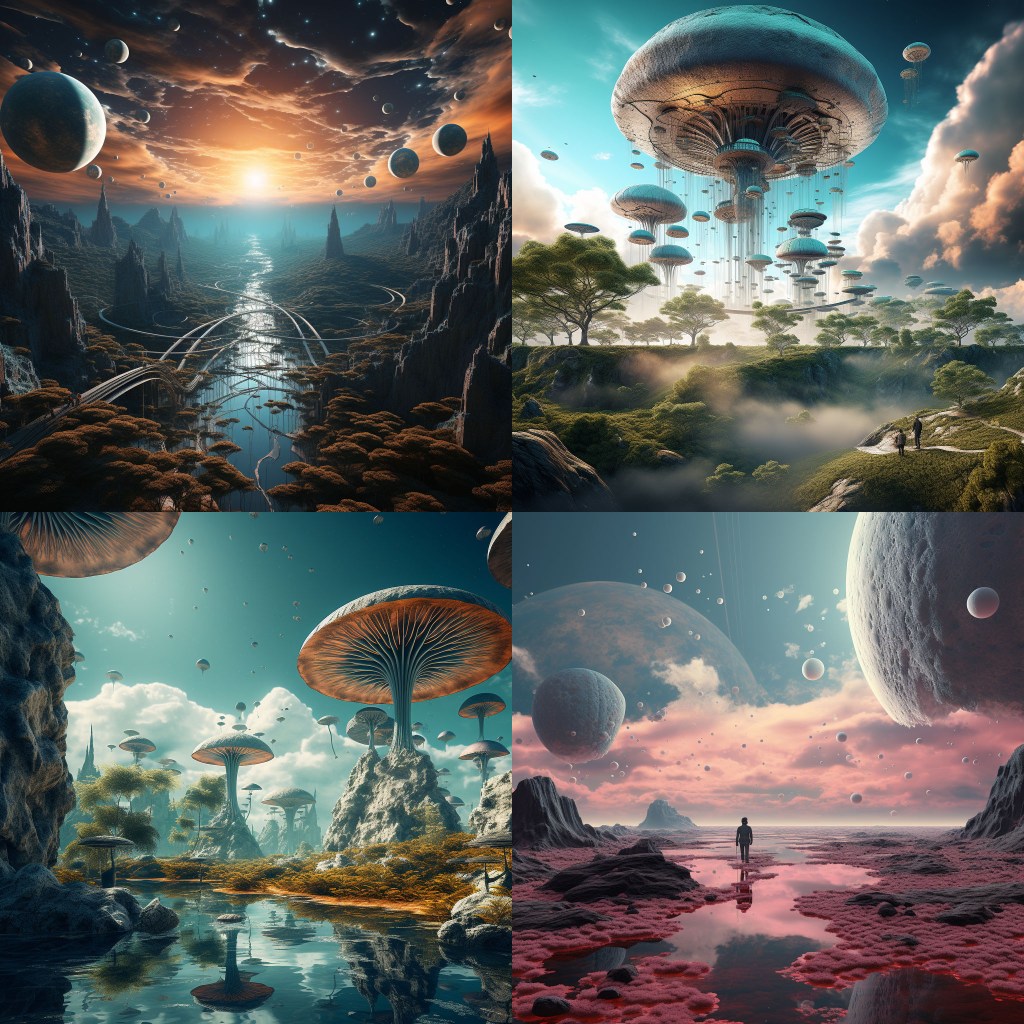
/Imagine prompt: surreal dreamscape octane render::3 landscape magical realism transform jaguar sky::2
Photographic
/Imagine prompt: surreal dreamscape Nikon D850 HDR::3 landscape magical realism transform jaguar sky::2
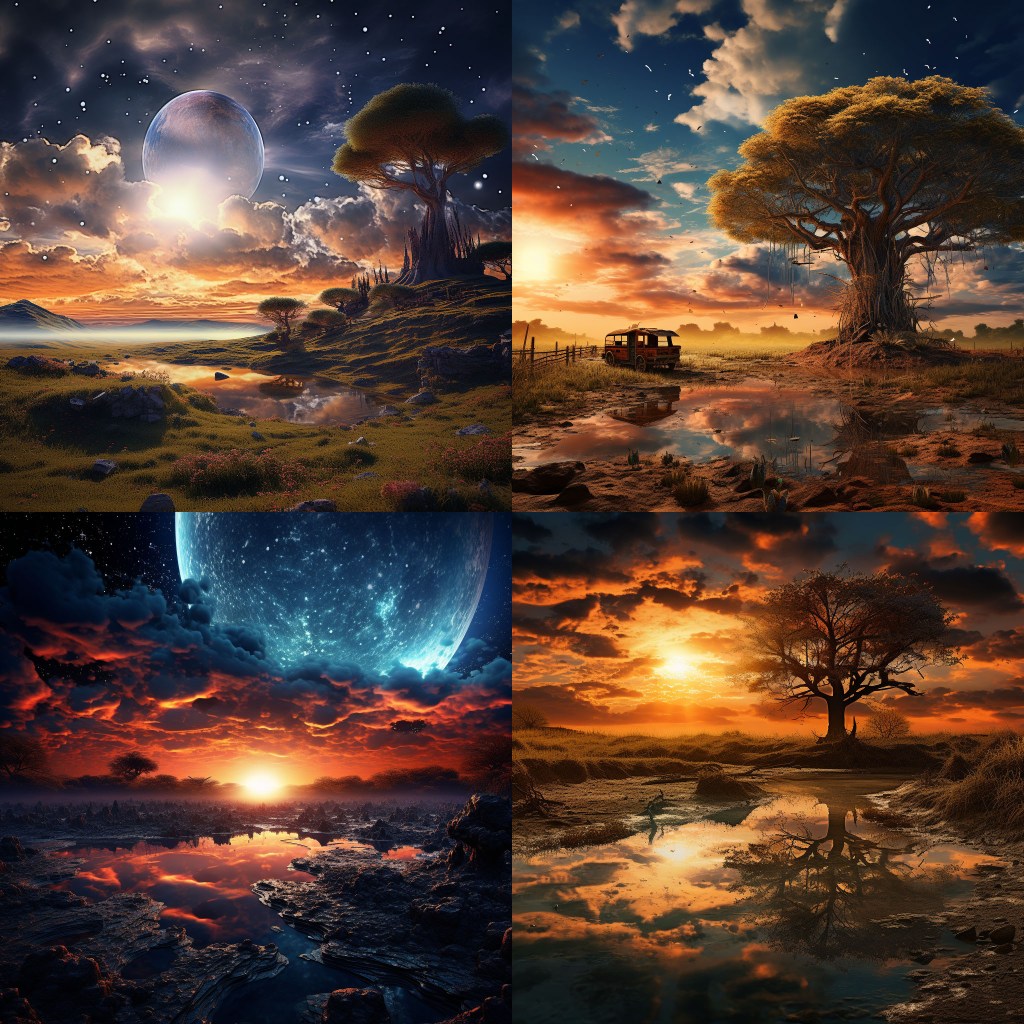
You may notice that I used a quality modifier (HDR) as well as choosing a specific camera. Try using HDR with styles other than photographic to increase the realism. Don’t forget about using prompt weights for more flexibility.
Painting
/Imagine prompt: surreal dreamscape alcohol ink::3 landscape magical realism transform jaguar sky::2
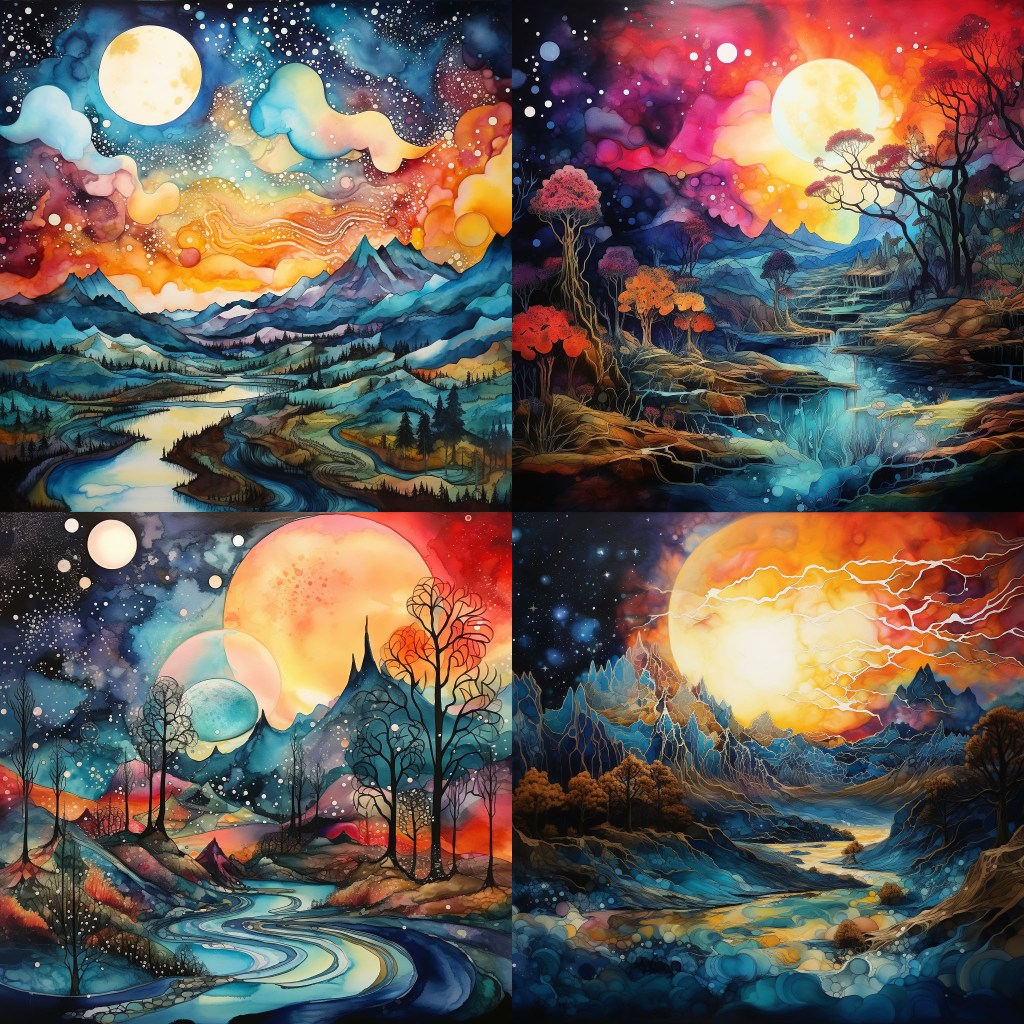
At this point I think I like the alcohol ink the best. But I wonder what would happen if I flipped the weights of the prompt sections? I want that jaguar to show up!
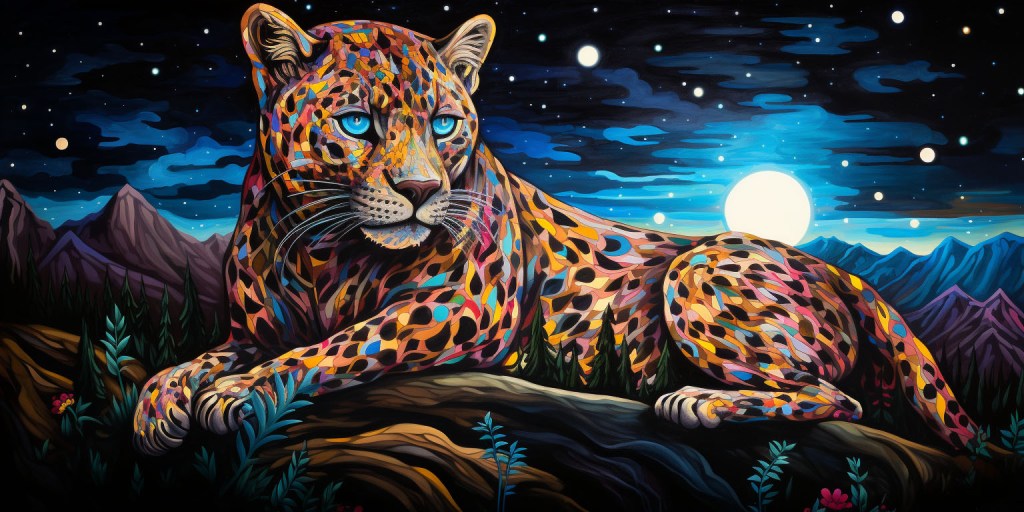
/Imagine prompt: surreal dreamscape alcohol ink::2 landscape magical realism transform jaguar sky::3
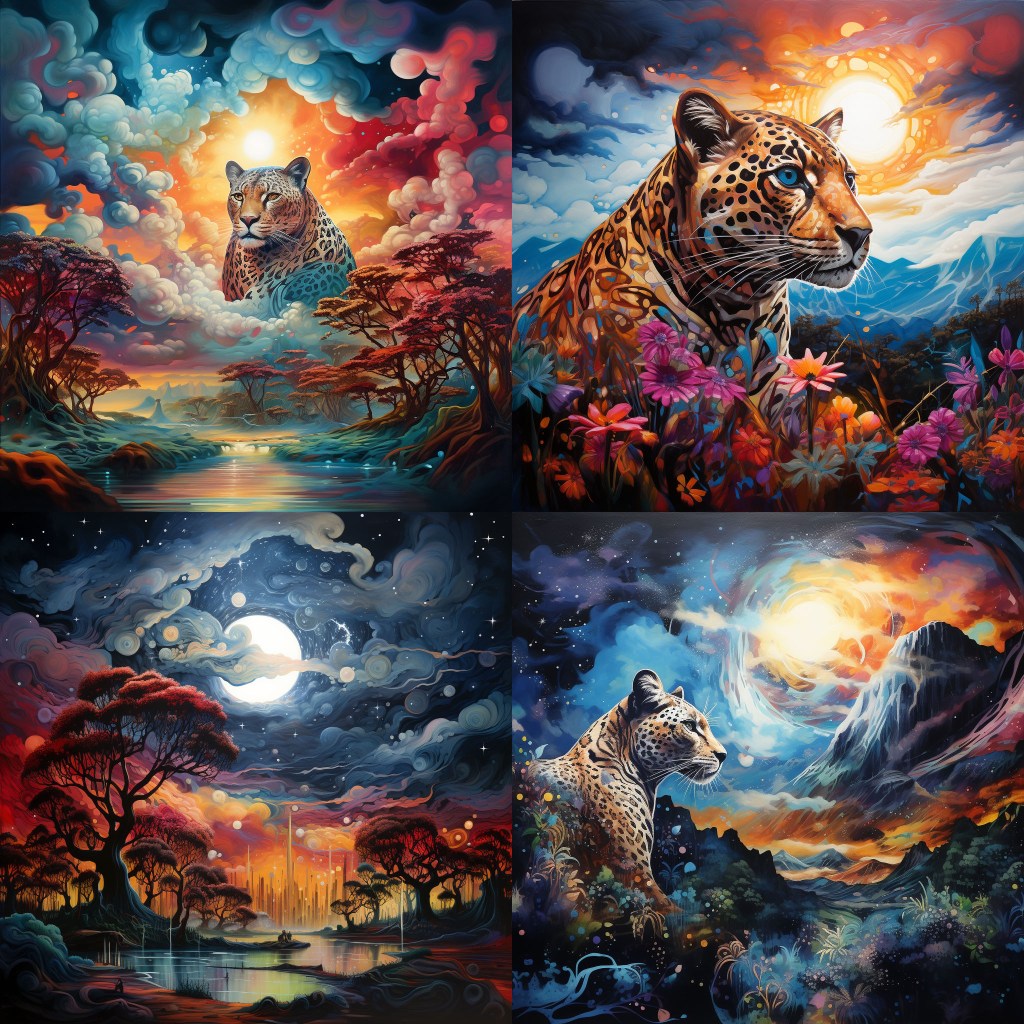
I really like this set. I think I’ll stop here; but no need for you to do so! Keep experimenting. This method is extremely simple (and effortless if you make use of ChatGPT). Hopefully, this helps you understand a bit more about how to create your own styles. This will definitely be an ongoing theme. Be sure to comment if you have any thoughts or questions, they may turn into the next article.
More Resources
If you are newer to Midjourney or Discord see Midjourney: Get started and Setting Up Discord.
If you need more help with prompting see the prompting guide or check out these premade prompts.
If you need help fixing/perfecting an image see this guide.
If you are interested in AI art see here and here.
 Art Method Lab
You must be logged in to post a comment.